One calendar. Every ministry.Even offline.
myORDO keeps your whole Catholic parish team - clergy, lectors, and music ministries - aligned on the liturgical calendar and homily notes, with or without an Internet connection.
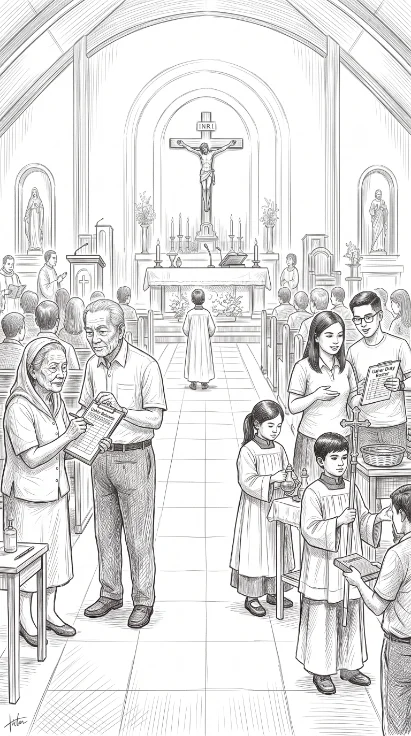
myORDO keeps your whole Catholic parish team - clergy, lectors, and music ministries - aligned on the liturgical calendar and homily notes, with or without an Internet connection.
Booklets, printed reading guides, and group chats live in different places - and go out of date the moment they're printed.
Homily drafts scattered across notebooks, phones, and messages - easy to lose, hard to find later, and not private when they should be.
Internet is unreliable in many parishes - rural chapels, remote barangays. Tools that need constant connectivity fail exactly when staff need them.
Not repurposed office software - a calendar and notes hub shaped around the way a parish team really moves through the liturgical year.
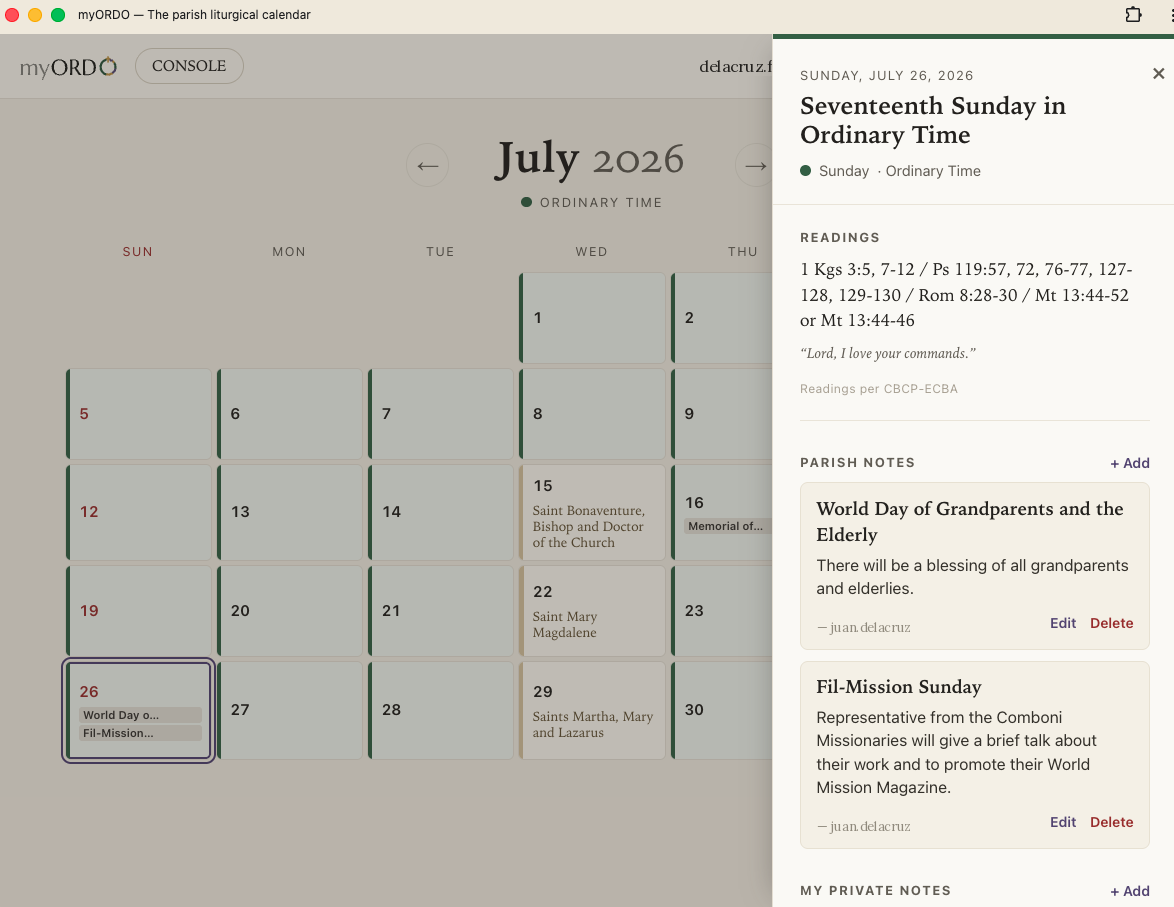
Feast days, liturgical colors, ranks, and readings - computed automatically for the Philippine calendar, always current for the whole team.
Homily drafts stay private to their author; schedules and announcements can be shared with the team. Nothing crosses to another parish.
Sign in once, and myORDO keeps working with no signal. Notes sync the next time there's a connection - no draft is ever silently lost.
Each parish's data is kept strictly separate, parish by parish - built for the guarantee most "simple" shared tools never made.
English interface at launch.Tagalog - coming soon
Installing myORDO takes less than a minute, and means your parish calendar and notes are always one tap away — even where there is no data connection. There is no App Store or Google Play download: myORDO is a progressive web app that installs straight from your browser. Follow the steps for your phone.
Use Safari — Chrome cannot install apps on iPhone
Use Chrome
Sign in to myORDO once while connected to the internet. After that first sign-in, your calendar and notes work offline, and anything you write is saved on your device and syncs automatically the next time you’re back online.
Mag-sign in sa myORDO nang isang beses habang naka-connect sa internet. Pagkatapos noon, gagana ang iyong kalendaryo at mga tala kahit walang signal, at awtomatikong mag-sy-sync ang lahat pagbalik mo online.
myORDO exists to serve the Church - and a portion of every subscription goes toward supporting missionaries and the spread of God's Word. We'll share exactly who we support as those partnerships come together, so your parish's use of the app becomes part of a larger, transparent act of evangelization.
myORDO is built and maintained by the team at Cenacle Labs - focused tools for faith communities.
We're onboarding parishes directly right now. Email us and we'll get you set up.